Digital planning articles that help you choose with confidence.
App comparisons, setup guides, layout advice, and calmer weekly planning routines that make a digital planner worth opening.
40 articles
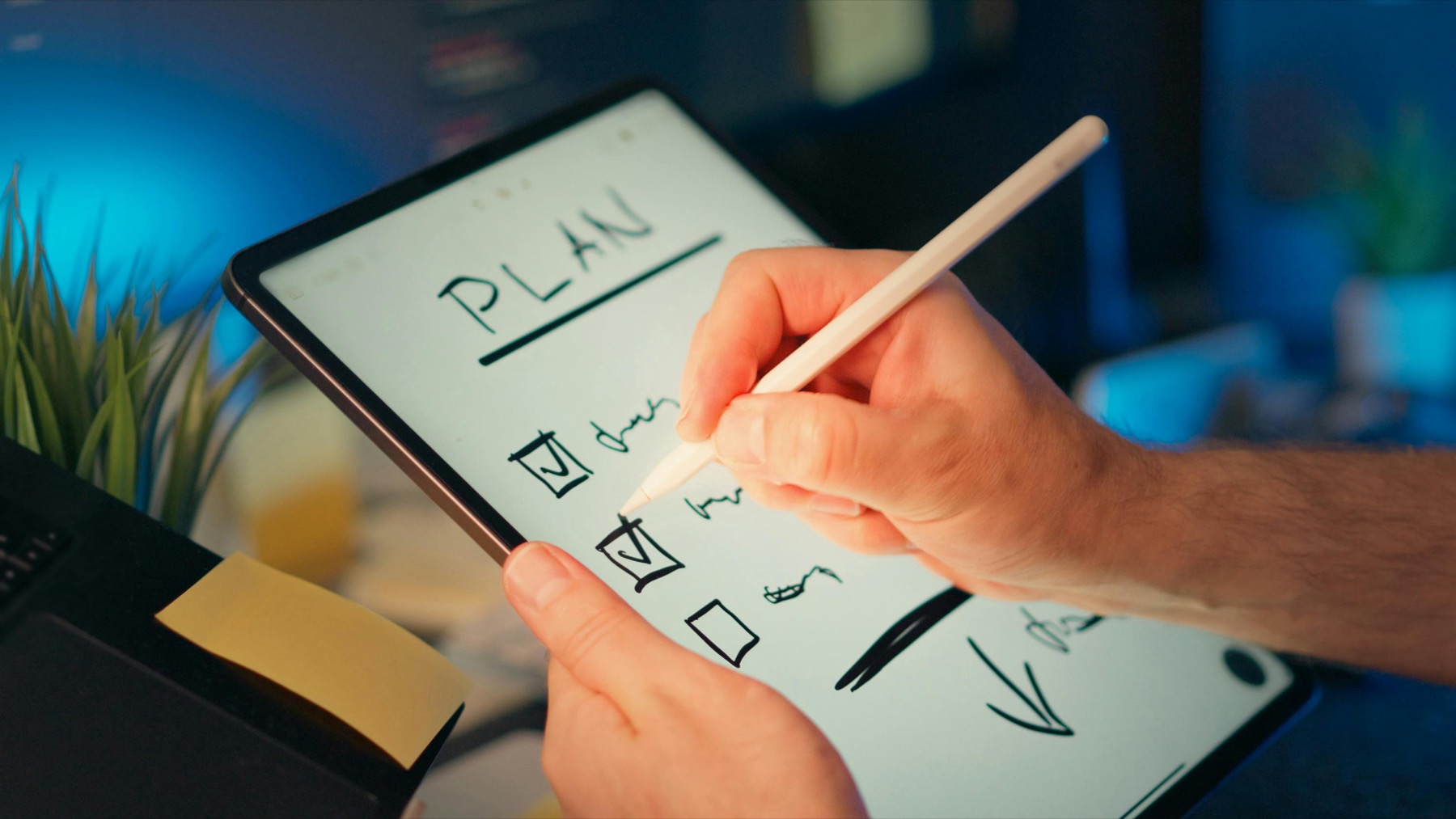
Best Digital Planner for Teachers on iPad: What Actually Helps During a Busy School Week
A teacher planner only becomes useful when it reduces repeated decisions, keeps class prep visible, and still leaves room for real life after school hours.
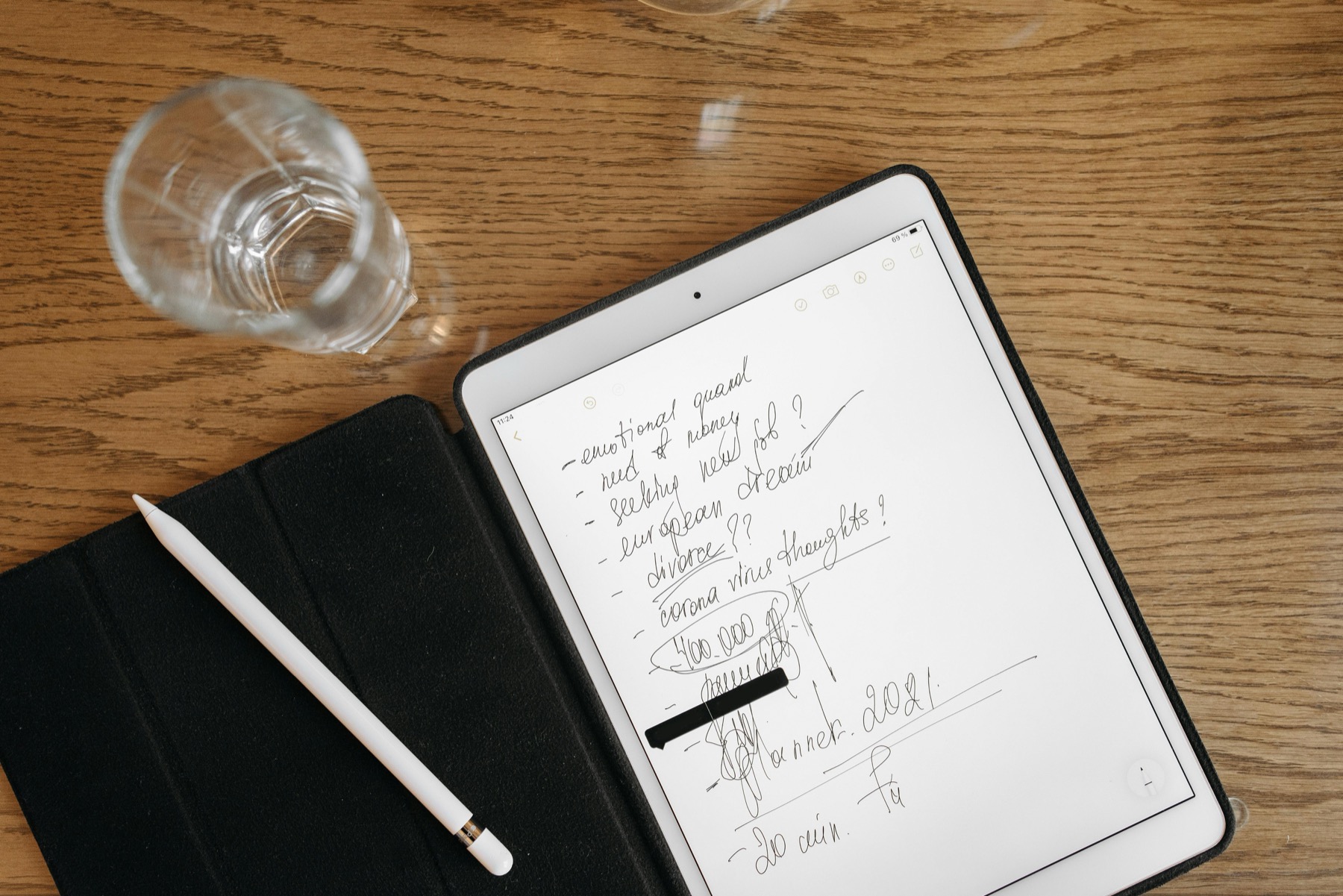
How to Use a Digital Planner for Work Meetings, Weekly Priorities, and Project Follow-Through
Work planning becomes easier when your calendar decisions, meeting notes, and project follow-through live in a clear relationship instead of scattered across tools.
How to Build a Morning and Evening Routine With a Digital Planner That You Will Actually Keep
Routine planning works best when the planner supports gentle repetition instead of turning your mornings and evenings into another perfection project.
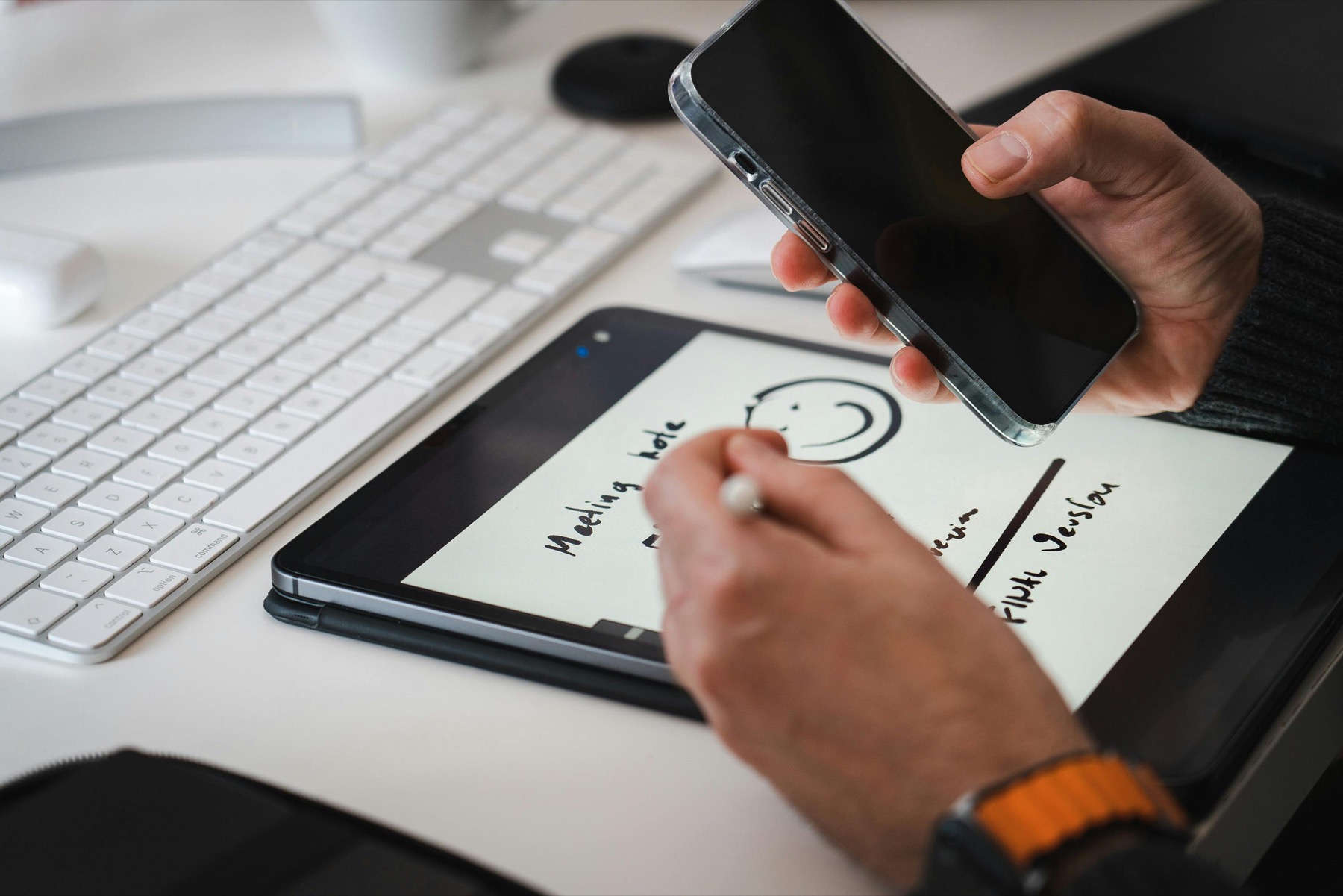
How to Use a Digital Planner for Household Admin, Bills, and Family Scheduling Without Feeling Buried
Household planning gets lighter when bills, appointments, errands, and recurring admin live in one system instead of spreading across paper scraps and mental reminders.
Best Free Digital Planner for Goodnotes Beginners: What to Test Before You Buy a Premium Planner
A free digital planner is most useful when you treat it as a trial for your workflow rather than as a placeholder you never fully use.
How to Use a Digital Planner in Samsung Notes on an Android Tablet
A digital planner can work well in Samsung Notes when the file structure is simple, the page layout is readable, and your weekly routine does not depend on complicated setup.
Dated vs Undated Digital Planner: Which One Fits Your Routine Better?
The better planner is not automatically the more complete one. It is the format that keeps you planning consistently after an interrupted week, a busy month, or a complete routine reset.
How to Use a Digital Notebook for Work and Study Without Losing Track of Anything
A digital notebook becomes powerful when it stops being a random pile of pages and starts working like a calm operating system for the information you need every week.
How to Use a Digital Planner for Meal Planning and Weekly Reset on iPad
Meal planning works better when it lives inside your weekly routine, not as a separate aspirational system you have to remember every Sunday night.
How to Track Wellness, Sleep, and Migraine Patterns in a Digital Planner
Wellness tracking becomes useful when it helps you notice patterns and make gentler decisions, not when it pressures you to monitor everything all at once.
How to Do a Weekly Review in Goodnotes With a Digital Planner That You Will Actually Keep
A weekly review only works when it feels light enough to repeat. In Goodnotes, the right planner layout can turn that review into a realistic habit instead of another abandoned productivity ritual.
How to Use a Digital Budget Planner on iPad for Monthly Bills, Savings Goals, and Better Money Habits
A digital budget planner works best when it gives your money a clear monthly home. On iPad, the right layout can help you check bills, spending, and savings goals in minutes instead of avoiding them for weeks.
Best Free Digital Planner for Goodnotes Beginners: What to Look For Before You Upgrade
A free digital planner is not just a freebie. It is one of the smartest ways to test your planning style before you spend money on a larger system you may never fully use.
Digital Planner for Freelancers and Small Business Owners: A Better Way to Manage Client Work, Admin, and Content
Freelancers do not usually need more hustle systems. They need one place to see client work, business admin, and personal capacity without rebuilding the week from scratch every morning.
How to Use Digital Stickers in Goodnotes Without Making Your Planner Harder to Read
Digital stickers are most useful when they communicate meaning fast. In Goodnotes, the right sticker workflow can make your planner easier to read instead of turning every page into decoration.
Best Digital Planner for Notability: What to Look For Before You Buy
The best digital planner for Notability is not the one with the loudest mockups. It is the one that supports a weekly routine where notes, meetings, classes, and follow-through stay connected.
How to Use Digital Stickers in Goodnotes and Notability Without Making Your Planner Messy
Digital stickers can make a planner more functional, but only if they serve the workflow. The goal is better visibility and faster planning, not decorative overload.
Best ADHD Digital Planner Routine for iPad Users Who Need Less Overwhelm
An ADHD-friendly planner routine should not expect perfect consistency. It should make it easier to restart, reorient, and see the next action when the week gets messy.
Digital Notebook vs Digital Planner: Which One Do You Actually Need?
A digital notebook and a digital planner solve different problems. One gives structure to time, the other gives structure to information. Many people only need one to start, not both.
How to Time Block in Goodnotes With a Digital Planner That You Will Actually Keep Using
Time blocking works in Goodnotes when the blocks reflect energy, context, and real constraints instead of a fantasy schedule. The planner should clarify the day, not turn it into a stricter source of guilt.
Best Digital Planner for Students in Goodnotes: What Actually Helps During Busy Semesters
Students do not need a planner with the most pages. They need one that helps them see deadlines early, connect class notes to action, and recover quickly when the semester speeds up.
Weekly Reset Routine With a Digital Planner: A Simple System to Reduce Overwhelm
A weekly reset is often the difference between using a digital planner for a few days and actually turning it into a dependable routine that reduces chaos.
7 Digital Planner Mistakes Beginners Make in Goodnotes or Notability
Most digital planner frustration does not come from the app. It comes from small beginner mistakes that make a good planner feel harder to use than it really is.
How to Use Time Blocking in a Digital Planner for Better Focus in Goodnotes
Time blocking only works when the planner helps you see capacity clearly. Otherwise it becomes another optimistic schedule you abandon by lunchtime.
Notability Study Workflow: How to Combine Class Notes and a Digital Planner Without the Chaos
Notability becomes much more powerful for students when the planner is not separate from the notes that create the work in the first place.
Best Digital Planner for Goodnotes: What to Look for Before You Buy
The best digital planner for Goodnotes is not the one with the most pages. It is the one that helps you find the right page fast and stay consistent after the first week.
How to Use Notability With a Digital Planner for Notes, Study, and Weekly Planning
Notability works best as a planning system when your planner, your notes, and the context behind your tasks all stay close together.
Digital Planner for Beginners: A Step-by-Step Guide to Getting Started on iPad
The easiest way to start digital planning is to use fewer pages, make fewer decisions, and trust one simple weekly rhythm before you customize anything.
Digital Planner vs Digital Notebook: Which One Helps You Stay Organized?
A digital planner helps you decide what to do next. A digital notebook helps you keep what you know. Most people work better when they understand the difference.
How to Use a Habit Tracker in a Digital Planner Without Making It Feel Like Homework
The best habit tracker is not the one with the most boxes. It is the one that helps you notice patterns, celebrate small wins, and adjust your routine without guilt.
What Is a Digital Planner and How Does It Work in Goodnotes or Notability?
A digital planner is not just a prettier PDF. It is a reusable planning system that combines paper-style writing with faster navigation, flexible layouts, and a much easier weekly reset.
Best Digital Planner for Goodnotes: What to Look For Before You Buy
The best digital planner for Goodnotes is rarely the one with the most pages. It is the one that helps you navigate quickly, think clearly, and keep coming back after the novelty wears off.
How to Use a Digital Planner in Notability for Classes, Meetings, and Life Admin
Notability becomes a much better planner app when you use it as a context system, not only as a place to write tasks. That is where the app starts to shine.
Digital Planner vs Paper Planner: Which One Actually Helps With Time Management?
The right planning system is not the one that looks most disciplined. It is the one you can return to quickly when life gets busy, messy, or interrupted.
Time Blocking With a Digital Planner on iPad: A Simple Routine for Busy Weeks
Time blocking works best when your planner helps you make decisions faster, not when it turns your whole day into a fragile spreadsheet.
Goodnotes vs Notability for Digital Planners: Which Workflow Fits You Best?
If you are choosing between Goodnotes and Notability for your next digital planner, start with the workflow you want to repeat every week, not just the prettiest interface.
How to Start Digital Planning in Goodnotes Without Feeling Overwhelmed
Digital planning in Goodnotes becomes easy when you stop trying to set up everything at once and focus on one calm weekly rhythm.
How to Import a Hyperlinked Digital Planner Into Goodnotes or Notability
Most digital planner setup problems are not about the planner itself. They come from file handling, app mode, or skipping a clean first import.
Best Digital Planner Layouts for Busy Routines, ADHD Brains, and Study Weeks
The best digital planner layout is not the one with the most pages. It is the one that makes next actions, priorities, and reviews feel obvious.
A Notability Workflow for Digital Planners That Keeps Notes, Meetings, and Weekly Reviews Together
Notability becomes much more useful for digital planning when you stop treating it like a planner-only app and use it as your planning plus context system.
What readers will find here
Goodnotes and Notability comparisons shoppers actually search for.
Import and setup guidance that helps customers use their planner fast.
Layout advice tied to real routines, not trend-driven fluff.
Ready to turn inspiration into a planner you will use?
Browse PlannerPier templates built for Goodnotes, Notability, and calm weekly routines that feel easy to revisit.