Best Digital Planner for Teachers on iPad: What Actually Helps During a Busy School Week
Find out what makes the best digital planner for teachers on iPad, which planner pages matter most for lesson planning and admin, and how to build a calmer weekly workflow in Goodnotes.
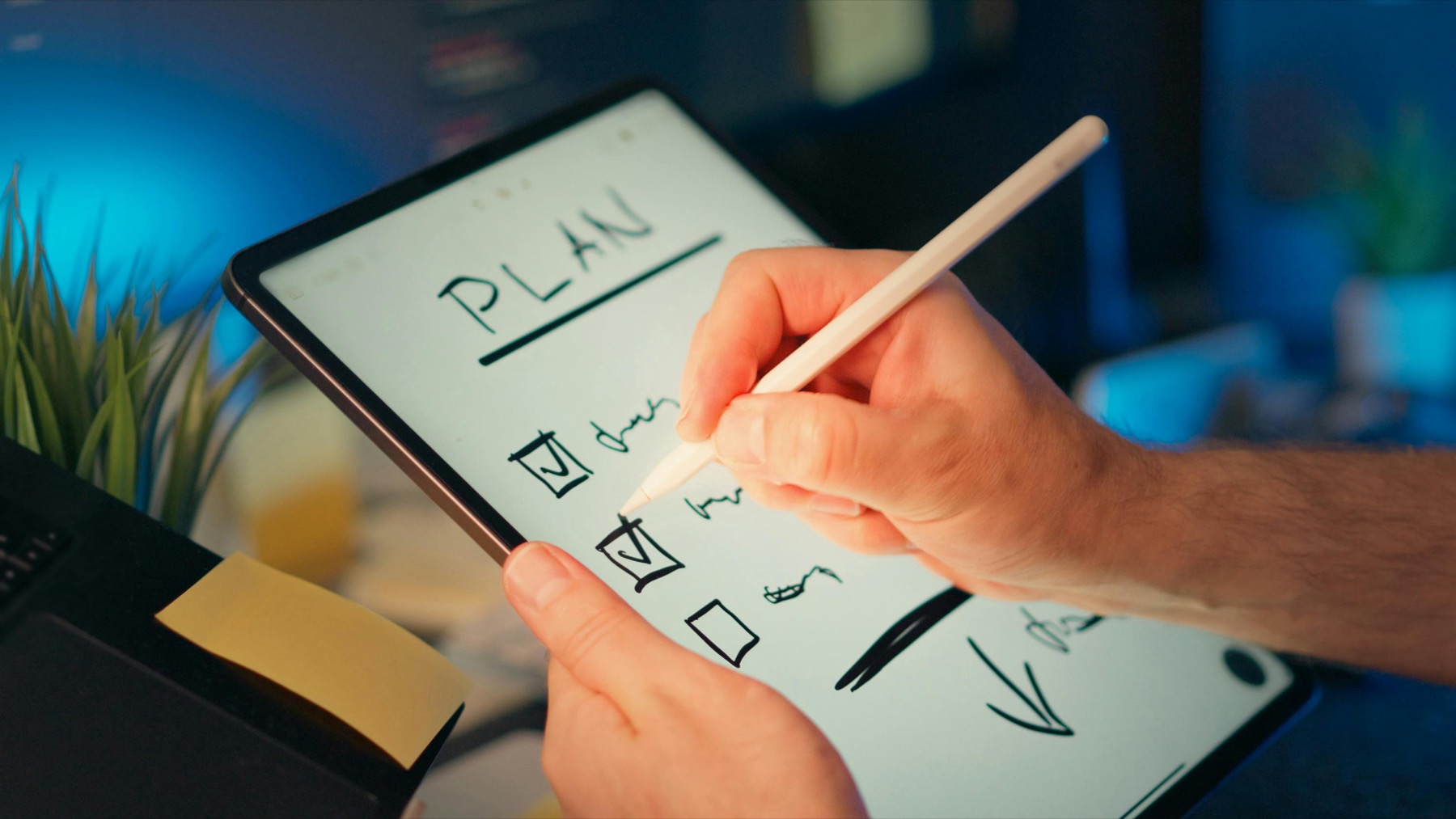
Photo by Jakub Zerdzicki on Pexels.
A teacher planner only becomes useful when it reduces repeated decisions, keeps class prep visible, and still leaves room for real life after school hours.
Why many teacher planners feel impressive but fail in real use
Teachers often buy planners with huge promise and lots of inserts, only to discover that the layout creates more maintenance than support. The pages may look polished in listing photos, but if the weekly spread does not clearly separate teaching blocks, prep tasks, grading, meetings, and personal admin, the planner becomes one more thing to manage.
A school week changes fast. Timetables shift, students need follow-up, meetings appear late, and planning time gets swallowed by urgent issues. That means the best digital planner for teachers is rarely the most decorative one. It is the one that helps you reorient quickly when the day goes off script and still makes tomorrow easier to prepare.
The pages teachers usually need most on iPad
For most teachers, a practical system starts with a monthly overview, a weekly planning spread, and a reusable notes or notebook section. The monthly view holds reporting dates, school events, parent communication reminders, and curriculum milestones. The weekly spread helps you see class blocks, prep windows, tasks, and after-school obligations in one glance.
The notes layer is just as important. Lesson ideas, behaviour observations, meeting takeaways, reading lists, intervention plans, and quick classroom reflections do not belong squeezed into the margins of a weekly page. They need a stable home nearby. That is why many teachers do better with a planner plus notebook workflow instead of trying to force every detail into one file.
- arrow_right_altA monthly page for school events, reporting deadlines, and term milestones
- arrow_right_altA weekly page for class blocks, prep windows, meetings, and admin
- arrow_right_altA notes system for lesson ideas, follow-up items, and reference material
- arrow_right_altA simple review page to reset before the next teaching week begins
Product spotlight
A linked notebook that supports the teaching week behind the scenes
PlannerPier Digital Notebook for Goodnotes gives teachers structured sections for lesson ideas, reference notes, meetings, and planning support so the weekly planner stays clear instead of overloaded.
- check_circleUseful for lesson notes, curriculum ideas, and meeting summaries
- check_circleKeeps classroom planning context close to your weekly pages
- check_circlePairs naturally with a clean undated planner for changing school terms
How Goodnotes fits a teacher planning routine
Goodnotes works well for teachers because linked PDF planners are easy to navigate during a rushed day. You can move from a monthly overview to a weekly plan, jump into notes, duplicate pages for recurring planning formats, and keep handwriting central to the workflow. That matters when you want the flexibility of paper planning without carrying multiple physical books between home and school.
A tablet-based planner also reduces rewrite fatigue. Instead of crossing out and rebuilding pages after timetable changes, you can duplicate templates, move tasks forward, and keep archived weeks available for reflection later. Over time, that saves attention as much as it saves space.
A better teacher workflow: planner for time, notebook for context
A smart teacher setup separates timing from detail. Use the planner to hold what must happen and when. Use a linked notebook to hold lesson ideas, unit notes, meeting summaries, behaviour observations, and class-specific references. This reduces visual overload and makes each tool easier to trust.
That is where the PlannerPier Digital Notebook for Goodnotes becomes especially useful. It gives teachers a structured place for curriculum notes, planning references, and meeting context while the PlannerPier Simple Undated Digital Planner handles the week itself. Together, they create a calmer teaching system that is easier to revisit under pressure.
How to choose the right teacher planner before you buy
Ask simple questions before you purchase. Can you see your week clearly without zooming and squinting? Is there enough room for real tasks, not only aesthetic boxes? Does the file support repeated weekly planning without feeling crowded by extra inserts? Can you keep teaching notes nearby without turning the whole system into clutter?
If the answer is yes, the planner is more likely to survive an actual term. Teachers do not need novelty every week. They need a planning system that saves time, supports preparation, and helps them end the week feeling less scattered. The right digital planner does exactly that.
Conclusion: the best teacher planner is the one you can keep using in week nine
A digital planner for teachers should not be judged by its first impression alone. It should be judged by whether it still helps after parent meetings, marking, timetable changes, and a tired Thursday afternoon. That is the real test of planning quality.
When your planner gives you a clear weekly view and your notebook holds the deeper teaching context, your system becomes much lighter. You spend less time reconstructing your workload and more time teaching with intention.
Frequently asked questions
What is the best digital planner for teachers on iPad?
The best option is usually a clean, hyperlinked planner with strong weekly pages plus a linked notes system for lesson planning, meetings, and school admin.
Can teachers use Goodnotes as a planner?
Yes. Goodnotes works well for teachers because it supports imported planner PDFs, handwriting, linked navigation, and duplicate-friendly pages for repeating school workflows.
Should teachers use one planner or separate files for planning and notes?
Many teachers work better with a planner for timing and a notebook for lesson notes, references, and meeting context because it keeps the weekly spread more readable.
Build a calmer teaching workflow on iPad
PlannerPier tools help teachers save time, keep school planning organized, and move through busy weeks with less visual clutter. Explore the collection at https://www.plannerpier.com/.